
Guide
Shower, sea, charging: when your ring and watch pass the baton
You wear several devices but you have one body. Here are the real situations where FitMesh decides who was measuring, hour by hour, and shows you a single day.
TL;DR
- Several devices, a single day: your wearables pass the baton instead of competing.
- Shower, sea, night charging, forgotten watch: the ring covers the moments when the watch is off.
- In most cases, the same steps are not counted twice.
- It works the same on Android and iPhone, with nothing to set up.
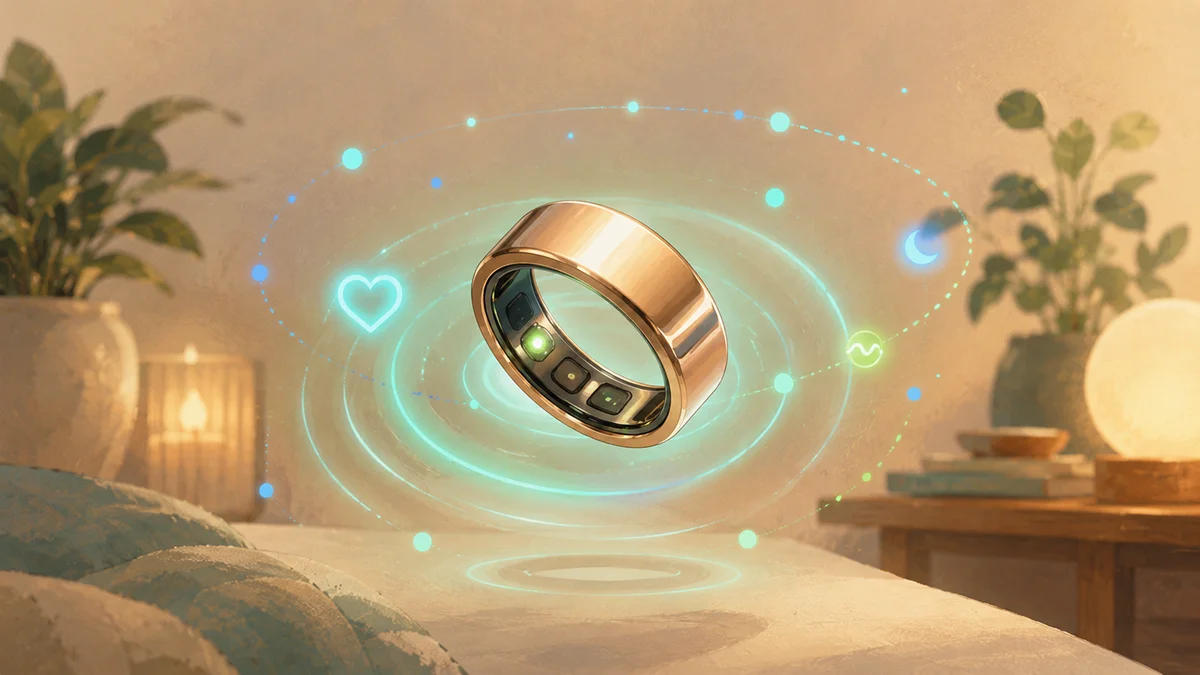
Your devices pass the baton like in a relay, and you see a single day. You wear a ring, a watch, sometimes a chest strap. But you have one body, and the steps you take are the same. The real work is not collecting the numbers, it is deciding who was measuring at each moment. Here are the situations where this changes your day, taken from real use.
The situations, taken from real use
- In the shower and at the sea. Take off the watch, keep the ring on your finger. The ring is water-resistant and keeps counting steps and heart rate while you swim or wash. Those hours do not disappear from the chart: the ring fills them in.
- At night, with the watch charging. Many people charge the watch before sleep. If you wear the ring, it records your sleep, stages included. In the morning you find the full night, without the gap of the charging hours.
- Working out, with a chest strap. During sport a chest strap gives a more reliable heart rate than the wrist. FitMesh uses it for that session and leaves the rest of the day to the device you always wear. No strange averages, no random swaps.
- When you forget the watch at home. It happens. The day does not stay empty: the ring keeps the count, and when you put the watch back on the two stitch together into one picture.
- Travelling, with a dead phone. The ring stores the data and syncs it when you reconnect. You do not lose the hours when the phone was off.
- Ring out of battery? The watch steps in. It works both ways: if the ring runs out, the watch covers those hours. Neither device is indispensable.
- With two phones, Android and iPhone. Same account, same view. The data flows together, with the source shown where it matters.
Adding up is the fastest way to get a dashboard that lies
Three devices measuring the same body do not make triple the steps. We do the opposite of adding up: we keep one number, the right one, and we tell you where it comes from.
The day that taught us the most
A real day: watch and ring worn together most of the morning, then an hour at the sea with only the ring, then both again. Adding the two together would have inflated the total, and simply picking whichever device shows the higher number would not be right either. Because the ring stayed on for the whole day, including that hour at the sea, FitMesh uses the ring as the single source for the whole day's step count, instead of switching between devices hour by hour. In most cases the source with the fuller, steadier coverage for the day is the right call. On a day where the two devices tell very different stories and neither one is clearly more complete, FitMesh marks the day as uncertain instead of guessing.
Frequently asked questions
Do I need to set up anything for the fusion?+
No. You connect your devices and FitMesh decides on its own, hour by hour, which one was measuring. There is nothing to set up.
If I wear two devices at once, are steps counted twice?+
In most cases, no. For each day FitMesh picks one source for your steps, the one that is most consistent and covers that day best, not just the one with the higher number. If two sources disagree a lot and neither one is clearly more reliable, that day is marked as uncertain instead of guessing.
Does it work the same on Android and iPhone?+
Yes. With the same account you see the same fused day on both, with no different setup.
Medical disclaimer
The information in this article is for informational purposes only and does not replace advice from your physician, pharmacist or healthcare professional. FitMesh Sync is a fitness/wellness app, not a medical device, and does not diagnose or treat any conditions. For symptoms, clinical questions or treatment decisions always consult your primary care physician.
Written by
Matteo Pizzi
Founder & Solo Dev, FitMesh Sync · Fosforonero
Italian software developer. I built FitMesh Sync to fill the gap between my smartwatch and a real personal dashboard. Privacy-first, indie.
More about the projectKeep reading
What's New
Now you know which device each metric comes from
Watch, ring and other devices in one screen, with a clear label of which one measured what. One view, no double counting.
Guide
Health Connect Duplicate Steps and Workouts: 7 Fixes
The quick solution: identify which apps write the same data, assign the correct priority for Activities and Sleep, break any synchronization loops, and only then delete the incorrect copies. Steps and workouts are not handled in the same way: this guide shows exactly where to intervene.
What's New
Multi device dashboard: all your wearables in one view, no duplicates
With today's update, FitMesh Sync introduces the global dashboard: a single screen that aggregates data from watches, ring and other sources, eliminating duplicates and always showing the best value for each metric.