
Guide
Switching from Android to iPhone: how to keep your fitness data
Changing phone should not mean losing your wearable history. Here is how FitMesh brings your Android device data into Apple Health on the new iPhone.
TL;DR
- When you switch to iPhone, Apple Health starts empty and Health Connect does not exist on iOS: your wearable history risks being left behind.
- FitMesh bridges it: keep your wearable, data goes to the cloud, and you find it in Apple Health on the new iPhone, same account.
- It works with Galaxy Watch, Garmin, Fitbit, the Colmi ring and other Android wearables.
- You can keep both phones on a single account, or switch fully to iPhone.
- iOS app live on the App Store in all supported storefronts, including all European Union storefronts.
Changing phone should not mean starting from scratch. Yet when you move from Android to iPhone, the data from your Galaxy Watch, Garmin, Fitbit or smart ring risks staying on the old phone or locked in the maker's app. On iPhone, Apple Health starts empty. Here is how to keep everything together with FitMesh.
What happens to your data when you switch to iPhone
On Android, wearables write to Health Connect, the standard that collects data from almost every device. On iPhone, Health Connect does not exist: there is Apple Health, and each brand tends to keep its data in its own app. Without a bridge, your watch or ring history is left behind.
How FitMesh bridges it
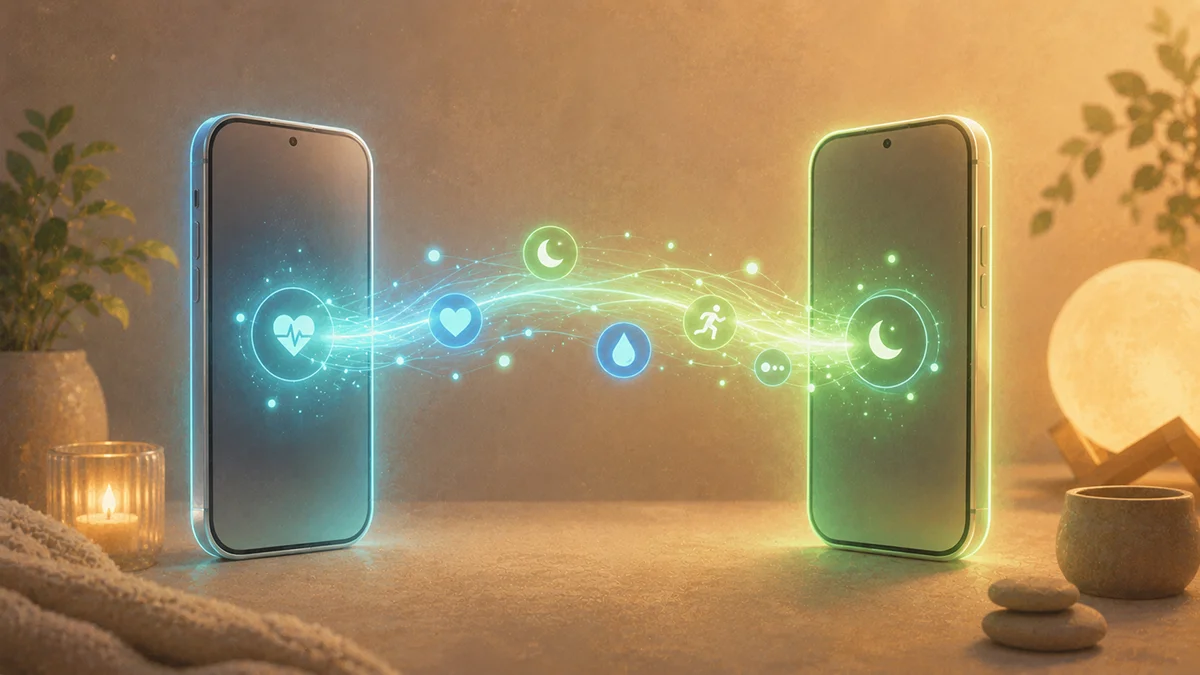
FitMesh keeps your data in the cloud, not on the phone. You keep using your wearable as usual; the data is synced to the cloud and, with the same account on iPhone, FitMesh reads it and writes it into Apple Health. The result: you find sleep, steps and heart rate from your Android device inside Apple Health on the new iPhone.
Step by step
- Keep your Android wearable as usual (Galaxy Watch, Garmin, Fitbit, Colmi ring).
- Install FitMesh on the Android phone and sign in with Google or Apple.
- Let the data sync to the cloud.
- Install FitMesh on iPhone and sign in with the same account.
- Turn on writing to Apple Health: you find your data inside the Health app.
Frequently asked questions
Do I lose my history when switching to iPhone?+
No. Your data lives in FitMesh's cloud, not on the old phone. Sign in with the same account on iPhone and you get it back.
Do I need to keep the Android phone?+
Only if your wearable connects via Android, for example a Galaxy Watch through Health Connect. If the device connects directly to the iPhone (like the Colmi ring over Bluetooth), the Android phone is not needed.
Does it work with Galaxy Watch, Garmin, Fitbit or the Colmi ring?+
Yes, with any wearable whose data reaches FitMesh, including Galaxy Watch, Garmin, Fitbit and Colmi rings.
Is it available in my country?+
The iOS app is live now on the App Store in all supported storefronts, including all European Union storefronts.
Disclaimer
FitMesh Sync is an independent product. Apple, Samsung, Garmin, Fitbit, Colmi are trademarks of their respective owners. This article implies no affiliation or sponsorship.
Medical disclaimer
The information in this article is for informational purposes only and does not replace advice from your physician, pharmacist or healthcare professional. FitMesh Sync is a fitness/wellness app, not a medical device, and does not diagnose or treat any conditions. For symptoms, clinical questions or treatment decisions always consult your primary care physician.
Written by
Matteo Pizzi
Founder & Solo Dev, FitMesh Sync · Fosforonero
Italian software developer. I built FitMesh Sync to fill the gap between my smartwatch and a real personal dashboard. Privacy-first, indie.
More about the projectKeep reading
Guide
Your smart ring data inside Apple Health: how the bridge works
If you have a smart ring or Galaxy Watch paired with Android, their data doesn't automatically reach Apple Health on your iPhone. FitMesh Sync fixes this with an opt-in cloud bridge: here's what to activate, what shows up on iPhone, and answers to the most common questions.
Ecosystem
FitMesh Sync arrives on iPhone
After months of development, the iOS app is now live on the App Store, available in all supported storefronts, including all European Union storefronts. One account, Android and iPhone together. And a new feature: your Android wearable data written directly into Apple Health.
Guide
How to export Apple Health data to PC or web (2026)
Apple Health collects years of health data on your iPhone, but viewing them on a computer or sharing them with someone takes a few extra steps. Here are all the methods, easiest first.