
Vejledning
Skift fra Android til iPhone: Sådan bevarer du dine træningsdata
At skifte telefon bør ikke betyde, at du mister din historik fra dine wearables. Her kan du se, hvordan FitMesh overfører dataene fra din Android-enhed til Apple Health på din nye iPhone.
Kort fortalt
- Når du skifter til iPhone, er Apple Health tom ved opstart, og Health Connect findes ikke på iOS: Der er risiko for, at din historik fra dit wearable ikke overføres.
- FitMesh sørger for forbindelsen: Behold dit wearable, dataene sendes til EU-skyen, og du finder dem i Apple Health på den nye iPhone – samme konto.
- Den fungerer med Galaxy Watch, Garmin, Fitbit, Colmi-ringen og andre Android-wearables.
- Du kan beholde begge telefoner på én og samme konto eller skifte helt over til iPhone.
- iOS-appen er nu tilgængelig på App Store i alle understøttede lande, inklusive alle 27 EU-lande.
At skifte telefon bør ikke betyde, at man skal starte forfra. Men når man skifter fra Android til iPhone, risikerer man, at dataene fra ens Galaxy Watch, Garmin, Fitbit eller smartring bliver tilbage på den gamle telefon eller låst inde i producentens app. På iPhone starter Apple Health tom. Her kan du se, hvordan du holder styr på det hele med FitMesh.
Hvad sker der med dine data, når du skifter til en iPhone?
På Android sender wearables data til Health Connect, den standard, der indsamler data fra næsten alle enheder. På iPhone findes Health Connect ikke: der er Apple Health, og hvert mærke har en tendens til at gemme sine data i sin egen app. Uden en bro går historikken fra dit ur eller din ring tabt.
Hvordan FitMesh forbinder det
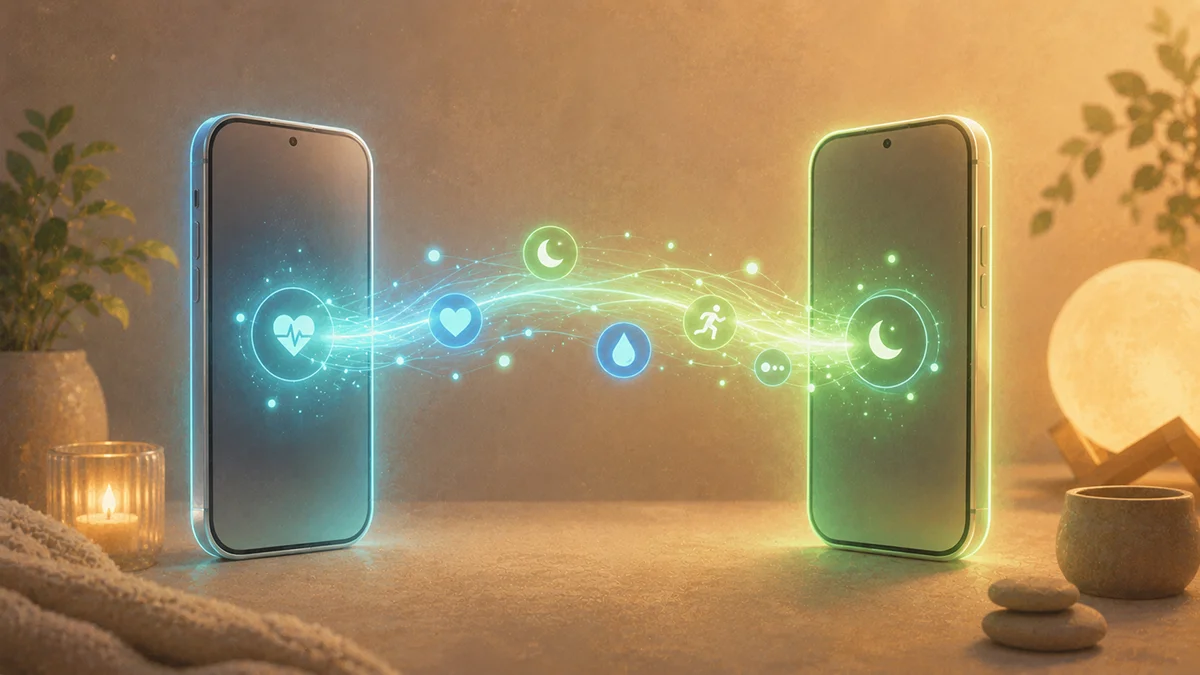
FitMesh gemmer dine data i EU-skyen, ikke på telefonen. Du fortsætter med at bruge dit wearable som normalt; dataene synkroniseres til skyen, og med den samme konto på iPhone læser FitMesh dem og skriver dem ind i Apple Health. Resultatet: Du kan se oplysninger om søvn, skridt og puls fra din Android-enhed i Apple Health på den nye iPhone.
Trin for trin
- Brug dit Android-wearable som normalt (Galaxy Watch, Garmin, Fitbit, Colmi ring).
- Installer FitMesh på Android-telefonen, og log ind med Google eller Apple.
- Lad dataene synkroniseres til EU-skyen.
- Installer FitMesh på din iPhone, og log ind med den samme konto.
- Aktivér skrivning til Apple Health: Du finder dine data i appen »Sundhed«.
Ofte stillede spørgsmål
Mister jeg min historik, når jeg skifter til iPhone?+
Nej. Dine data ligger i FitMesh’s cloud, ikke på den gamle telefon. Log ind med den samme konto på din iPhone, så får du dem tilbage.
Skal jeg beholde Android-telefonen?+
Kun hvis dit bærbare udstyr opretter forbindelse via Android, for eksempel en Galaxy Watch til Health Connect. Hvis enheden opretter forbindelse direkte til iPhone’en (som f.eks. Colmi-ringen via Bluetooth), er Android-telefonen ikke nødvendig.
Fungerer det med Galaxy Watch, Garmin, Fitbit eller Colmi-ringen?+
Ja, for alle bærbare enheder, hvis data når op på FitMesh, herunder Galaxy Watch, Garmin, Fitbit og Colmi ringe.
Er det tilgængeligt i mit land?+
iOS-appen er nu tilgængelig på App Store i alle understøttede lande, inklusive alle 27 EU-lande.
Ansvarsfraskrivelse
FitMesh Sync er et uafhængigt produkt. Apple, Samsung, Garmin, Fitbit, Colmi er varemærker tilhørende deres respektive ejere. Denne artikel indebærer ingen tilknytning eller sponsorering.
Sundhedsbemærkning
Oplysningerne i denne artikel er kun til informationsformål og erstatter ikke rådgivning fra din læge, apoteker eller anden sundhedsperson. FitMesh Sync er en fitness- og wellnessapp, ikke medicinsk udstyr, og hverken diagnosticerer eller behandler nogen tilstande. Ved symptomer, kliniske spørgsmål eller behandlingsbeslutninger skal du altid kontakte din egen læge.
Written by
Matteo Pizzi
Founder & Solo Dev, FitMesh Sync · Fosforonero
Italian software developer. I built FitMesh Sync to fill the gap between my smartwatch and a real personal dashboard. Privacy-first, indie.
More about the projectLæs videre
Guide · EN
Your smart ring data inside Apple Health: how the bridge works
If you have a smart ring or Galaxy Watch paired with Android, their data doesn't automatically reach Apple Health on your iPhone. FitMesh Sync fixes this with an opt-in cloud bridge: here's what to activate, what shows up on iPhone, and answers to the most common questions.
Ecosystem
FitMesh Sync er nu på iPhone
Efter flere måneders udvikling er iOS-appen nu live på App Store i alle understøttede lande, inklusive alle 27 EU-lande. Én konto til både Android og iPhone. Og en ny funktion: data fra dit Android-wearable overføres direkte til Apple Health.
Guide
Sådan eksporteres Apple Health-data til pc eller internettet (2026)
Apple Health indsamler sundhedsdata fra flere år på din iPhone, men det kræver et par ekstra trin at se dem på en computer eller dele dem med andre. Her er alle metoderne, med den nemmeste først.