
Guide
Galaxy Ring on Android: setup, health data, and Health Connect sync
Everything you need to know to get the most out of Galaxy Ring, from first setup to reading your data outside Samsung Health.
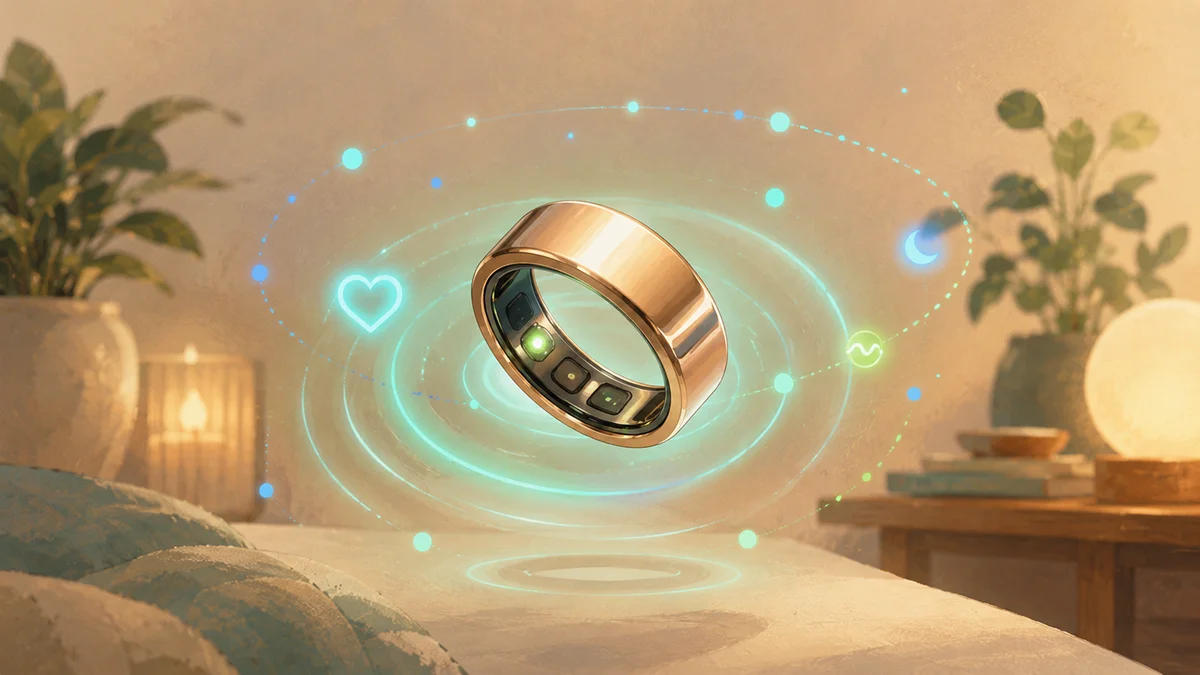
TL;DR
- Galaxy Ring requires Samsung Health to set up and works only with Android 11 or above.
- It tracks sleep stages, HRV, SpO2, skin temperature, steps, and heart rate continuously.
- Most data writes to Health Connect, so you can read it in compatible third-party apps — HRV is the exception: Samsung's own documentation doesn't confirm it's written to Health Connect.
- You do not need a Galaxy Watch or Samsung phone. The ring works on any Android phone with Samsung Health installed.
- Battery lasts 6-7 days depending on monitoring intensity.
Samsung launched Galaxy Ring in mid-2024 and positioned it as a companion to Galaxy Watch, but it also works as a standalone device. Unlike Oura Ring, which has its own dedicated app and subscription, Galaxy Ring runs entirely inside Samsung Health with no subscription fee. If you already use Samsung Health and want more accurate overnight health monitoring without wearing a watch to bed, Galaxy Ring is one of the most compelling options in 2026.
Requirements: what you need to use Galaxy Ring
- Android phone: Android 11 or above, with Samsung Health installed (available on any Android phone, not just Samsung phones).
- Samsung Health app: version 6.26 or newer. Download from Galaxy Store or Play Store.
- Health Connect: installed and initialized on your phone.
- Galaxy Ring size: Samsung provides a sizing kit. Sizing matters more with rings than with watches because you cannot adjust the fit.
First setup: pairing Galaxy Ring
- Open Samsung Health and tap the 'Devices' tab.
- Tap 'Add device' and select 'Galaxy Ring'.
- Place the ring near your phone. It should appear automatically via Bluetooth.
- Tap 'Connect' and follow the on-screen prompts. The initial sync and firmware update takes about 5 minutes.
- After pairing, Samsung Health will ask for Health Connect permissions. Grant them to enable third-party app access.
What Galaxy Ring actually measures
- Sleep stages: REM, light, and deep sleep, plus awakenings. Galaxy Ring uses its position on the finger (high blood flow proximity) to achieve accuracy comparable to or better than wrist wearables.
- HRV during sleep: measured every night and shown as a 7-day trend in Samsung Health. One of the more reliable implementations among consumer rings.
- SpO2 (blood oxygen): spot checks and overnight monitoring available. Useful for detecting potential sleep apnea patterns.
- Skin temperature: measured overnight and shown as deviation from your personal baseline. Useful for tracking illness, ovulation, and stress recovery.
- Steps and activity: tracked during the day. Less precise than a dedicated GPS watch for workouts, but accurate for daily step counts.
- Heart rate: continuous monitoring with an option for higher-frequency reading during sleep.
Accessing Galaxy Ring data outside Samsung Health
Samsung Health writes Galaxy Ring data to Health Connect by default after the first pairing. This means any app with Health Connect read permissions can access your steps, sleep, heart rate, and other metrics. You do not need to export anything manually.
- Open the Health Connect system app (search for it in your app drawer).
- Tap 'App permissions' and find Samsung Health.
- Confirm Samsung Health has write permissions for sleep, steps, heart rate, SpO2, and other data types.
- Any third-party app that requests read access to Health Connect can then display your Galaxy Ring data.
Battery and charging
Galaxy Ring lasts 6-7 days in typical use (continuous heart rate, sleep tracking, step counting). The charging case holds about 1.5 full charges, so you can top up the ring without a wall outlet for about two weeks. Charging from empty to full takes around 80 minutes. The ring itself is waterproof to 10 ATM, so you can swim and shower with it.
Sources
- Source 1 · samsung.com
- Source 2 · developer.samsung.com
Frequently asked questions
Does Galaxy Ring work with non-Samsung Android phones?+
Yes. Galaxy Ring only requires Samsung Health installed on an Android 11 or above device. Samsung Health is available on the Play Store for any Android phone, not just Samsung devices.
Do I need a subscription to use Galaxy Ring?+
No. Unlike Oura Ring, Galaxy Ring has no subscription fee. All features are available with the Samsung Health app at no ongoing cost.
How accurate is Galaxy Ring sleep tracking compared to Oura Ring?+
Independent tests show similar sleep stage accuracy between the two. Both perform better than wrist wearables for overnight metrics. The main differences are ecosystem: Oura has a richer app with more detailed insights and advice, while Galaxy Ring integrates tightly with Samsung Health and Samsung devices.
Can I use Galaxy Ring without a Samsung account?+
No. Samsung Health requires a Samsung account for full functionality, including syncing Galaxy Ring data. You can create a free Samsung account without any Samsung device.
Does Galaxy Ring track workouts and GPS?+
Galaxy Ring tracks steps and calorie burn, but it does not have GPS and is not designed for workout tracking. For accurate run, cycle, or swim metrics, use a GPS watch and pair it alongside the ring.
Disclaimer
FitMesh Sync is an independent product. Samsung is a trademark of their respective owners. This article implies no affiliation or sponsorship.
Medical disclaimer
The information in this article is for informational purposes only and does not replace advice from your physician, pharmacist or healthcare professional. FitMesh Sync is a fitness/wellness app, not a medical device, and does not diagnose or treat any conditions. For symptoms, clinical questions or treatment decisions always consult your primary care physician.
Written by
Matteo Pizzi
Founder & Solo Dev, FitMesh Sync · Fosforonero
Italian software developer. I built FitMesh Sync to fill the gap between my smartwatch and a real personal dashboard. Privacy-first, indie.
More about the projectKeep reading
Comparison
Smart Ring vs Smartwatch: Why Many People Use Both
They aren't perfect substitutes for each other. The smartwatch wins on interaction, GPS and workouts; the ring wins on discreet, continuous monitoring around the clock. For many people, combining both is more useful than choosing just one.
Guide
Smart ring: what it measures, how to choose one, and how to get the most from it (2026)
What a smart ring really is, the data it collects, how to choose the right model, and why it shines when its data joins your smartwatch in a single dashboard.
Comparison
Where Does Your Galaxy Watch Health Data Actually Go?
Not competitors. They work together. But it matters to understand who does what so you don't disable the wrong one.